Getting Started with Your Smart Home System: A Beginner's Guide to Your Home’s Technology
Posted: May 04, 2026
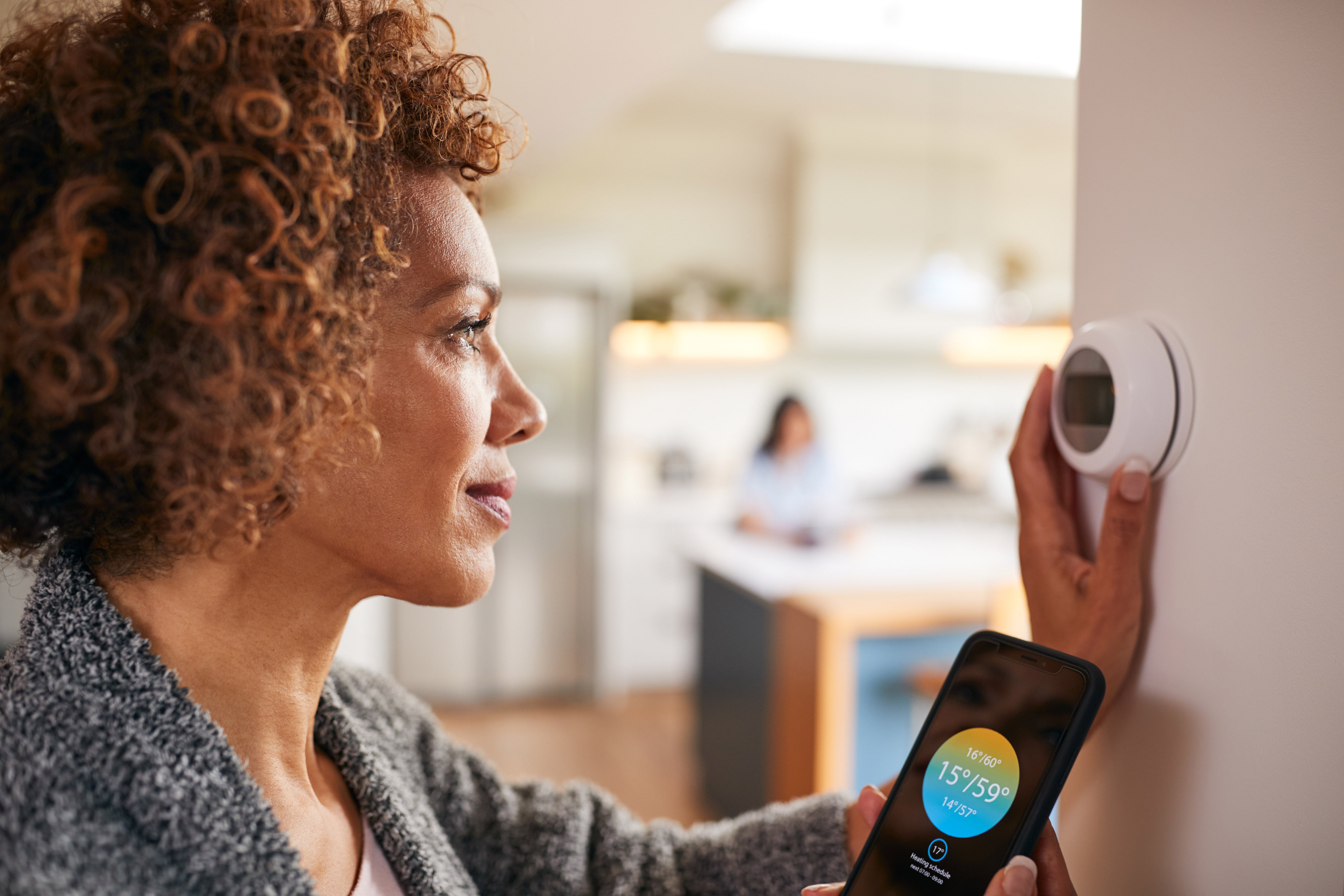
Moving into a home with smart technology can feel like a lot to figure out. Don’t worry! Your smart home system is already installed before you arrive, so setup is mostly about connecting devices and learning what they do.
This guide helps you understand the smart features included in McCaffrey's Built Smart program, and how to connect, customize, and use the features in your new home.
Setting Up Your Smart Home System After Move-In
Setting up your new construction smart home after move-in mainly involves connecting your Wi-Fi and devices, and activating features that are already installed and tested.
McCaffrey Homes handles the hard part during construction (the installation), so your setup focuses on getting everything connected and personalized.
What You’ll Do First
- Connect your home to Wi-Fi
- Download device apps
- Set up your personalized accounts and get started
You'll receive setup guides when you move in, and support is generally available to personally walk you through each feature. This is what our approach to smart home technology is designed to do: remove complexity and make your system easily usable from day one.
You can explore more about how everything works in the McCaffrey Homes Built Smart Program.
Smart Home Features Included in McCaffrey Built Smart Homes
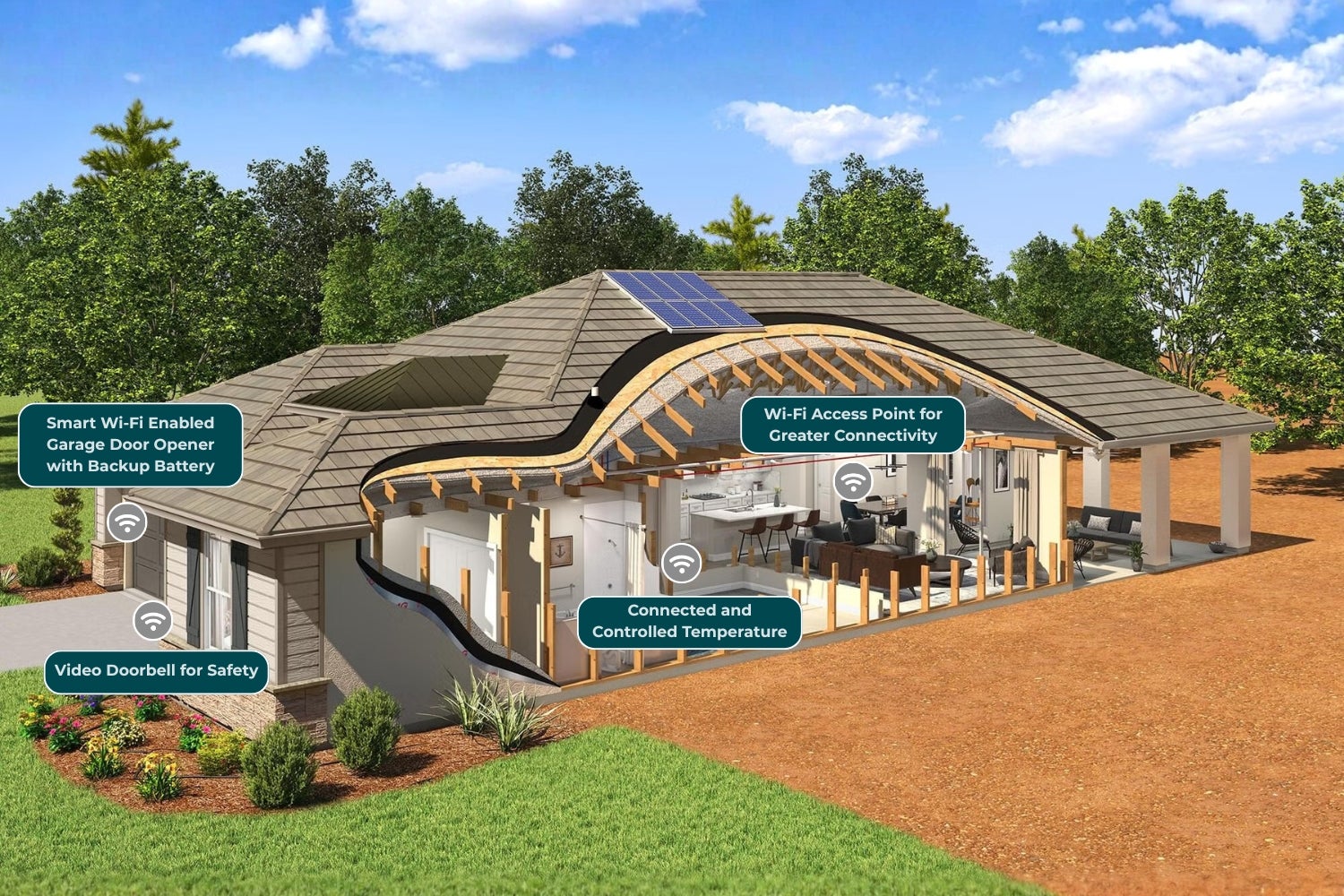
McCaffrey homes come with four core smart features that handle home security, climate, access, and connectivity:
- Video doorbell so you can see who's at your front door from your phone or tablet
- Smart garage control to open, close, and monitor your garage door remotely
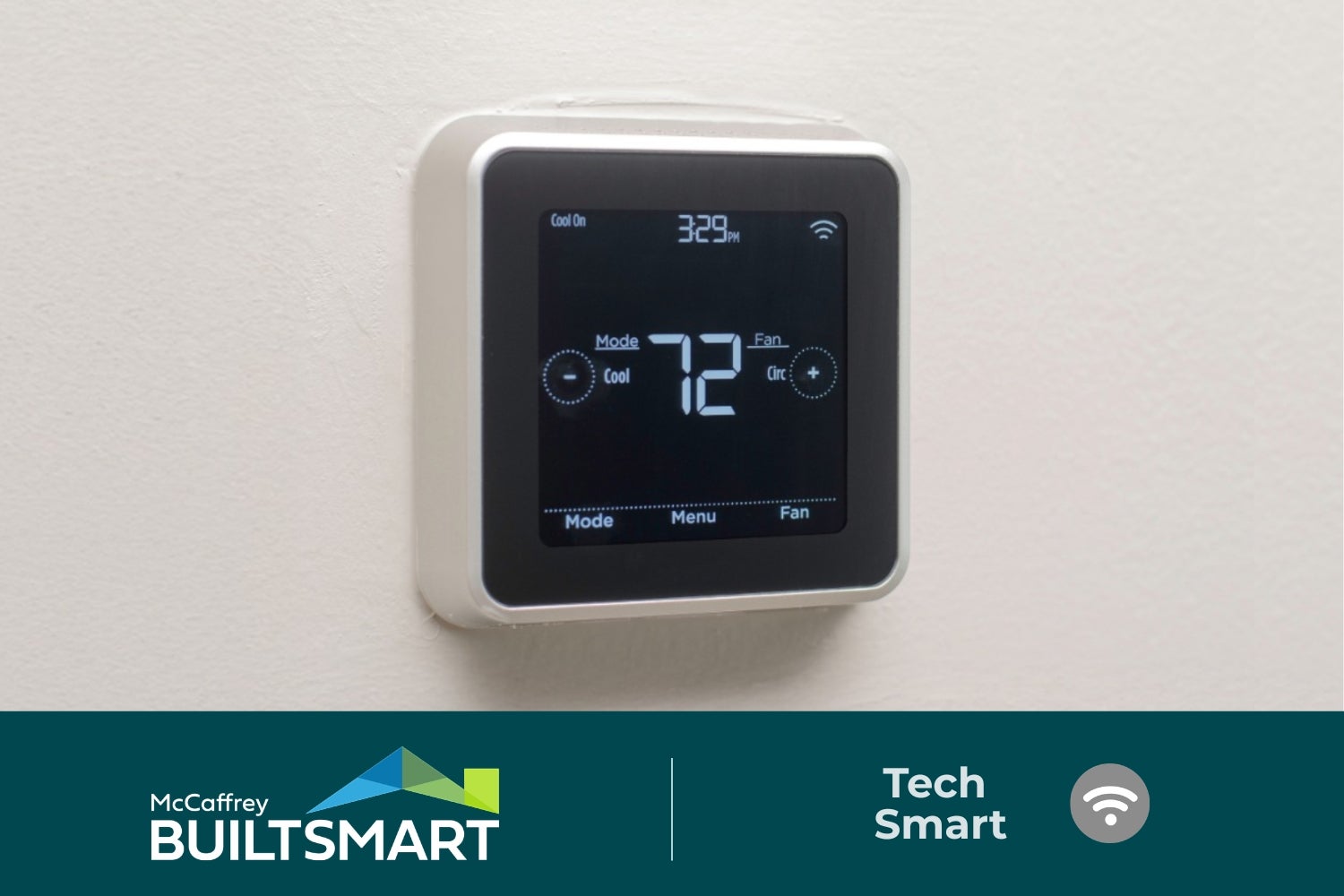
- Smart thermostat, allowing you to adjust your home's temperature from anywhere
- Wi-Fi access point so you get reliable wireless coverage throughout your home
These devices are selected to work on your home’s internet network without compatibility issues.
You will not need to buy or install anything additional. These features are included and ready to use when you move in.
Customizing Your Smart Home Features for Daily Use
You can customize your smart home technology by setting up “routines” that automate everyday actions. A routine is simply a set of instructions your smart technology follows based on time, location, or activity.
For example:
- Adjust temperature in the morning
- Open and close the garage door
- Set the temperature for nighttime
How to Create a Smart Routine
- Open and close the garage door
- Set the temperature for nighttime
- Set a trigger, like time of day
Once it's set, your device responds to your schedule without you needing to remember each step.
The new smart home technology in McCaffrey homes is designed to be simple to use, so you don’t need technical experience to set this up.
Troubleshooting and Support for Your Smart Home System
If something isn’t working as expected, McCaffrey provides support and guidance to help you resolve it quickly. Every home includes access to setup resources and assistance, so you’re not left troubleshooting on your own.
You’ll have access to:
- Step-by-step setup guides for each device
- Support for connecting features to your Wi-Fi
- Available on-site assistance when troubleshooting is required
Common Quick Fixes
- Restart the device: Unplug it from power, wait 30 seconds, then plug it back in
- Check your Wi-Fi connection: Confirm your internet connection is working and that the device is connected to your Wi-Fi network
- Restart your router: Unplug your Wi-Fi router for 30 seconds, then reconnect it and allow it to fully reboot.
- Update the app: Check for available updates in your app store or the device settings
- Re-sync the device: Remove the device or Wi-Fi network from the app and add it back to refresh the connection
If you're a McCaffrey homeowner and these steps don't resolve the problem, reach out to our support team. Your home includes warranty coverage on installed systems, and we're available to walk you through additional troubleshooting.
Why Smart Home Technology in New Construction Is Easier Than Retrofitting
Smart home systems perform more consistently when they're built into the home during construction. In a new construction smart home, wiring, device placement, and connectivity are planned in advance.
With older homes, adding smart technology often means running new wiring through finished walls, dealing with outlets in the wrong locations, or working around electrical systems that weren't designed for connected devices.
In a new home, everything is already aligned. That's the foundation of McCaffrey's Built Smart program: innovation, efficiency, and comfort designed into your home from day one.
This means your new home is ready to function as intended from the moment you move in.
Getting the Most Value from Your McCaffrey Built Smart Home
Your smart home is designed to make everyday life easier, and getting started doesn’t require a lot of technical experience. Your features are pre-installed, setup guides are provided, and support is available whenever you need it!
Beyond convenience, McCaffrey homes are built with energy efficiency in mind.
Every home is inspected by a third-party energy compliance rater to verify it meets efficiency standards, so your smart thermostat and other features work within a home that's designed to perform efficiently from the start.
McCaffrey's Built Smart program delivers technology that's ready to function as soon as you get the keys.
Smart Home FAQs
What tech features are included in McCaffrey’s Built Smart program?
McCaffrey Homes’ Built Smart Program includes smart features like a video doorbell, smart thermostat, garage control, and wireless access point. These features are installed and configured so you can start using them immediately.
How do I know my new home is energy efficient?
McCaffrey homes are inspected by a third-party energy compliance rater. This process verifies that your home meets energy efficiency standards and supports long-term performance.
Can I personalize or automate my smart home technology?
Yes, you can create routines using the apps on your device. For example, you can program the thermostat by setting your home’s temperature around your family’s schedule.
These routines allow your home to adjust settings automatically based on your schedule or preferences and can help to reduce energy use.
Where do I go for support or troubleshooting if a device stops working?
You can use McCaffrey’s setup guides or contact McCaffrey support for assistance. Help is available to walk you through setup and troubleshooting steps.

Need to Move Fast? How McCaffrey's Quick Move-In Homes Shorten the Buying Process
If you need to move soon, a McCaffrey quick move-in or move-in ready home can help you get into a brand-new home without waiting through the full cons...

The Story of 50 Years, Built Together
A look back at the people, places, and milestones that shaped McCaffrey Homes For 50 years, McCaffrey Homes has helped shape the Central Valley thr...

Madera County, Fresno & Clovis Recognize McCaffrey Homes’ 50th Anniversary
For 50 years, McCaffrey Homes has had the privilege of helping families put down roots, build memories and create a place to call home throughout the ...


5.25% Fixed Interest Rate
6.081% APR
A 30-Year Fixed-Rate FHA Loan is now available on select Poppy move-in-ready homes.